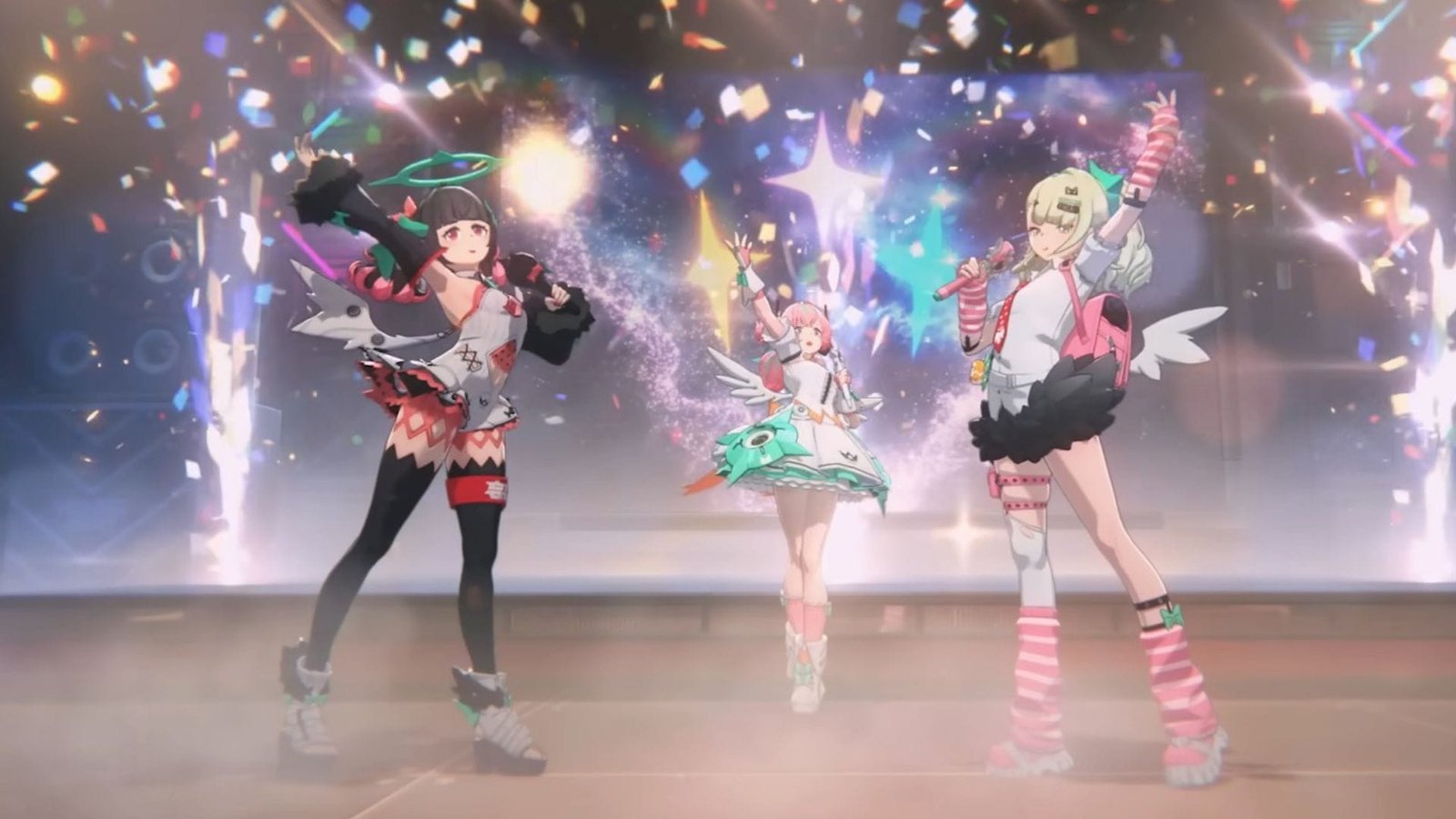

The Zenless Zone Zero 2.6 preload feature was made available for players to download the resource packages ahead of the update on February 6, 2026. The upcoming patch will introduce a bucketload of fresh content, alongside the Angels of Delusions characters that fans have been waiting for. Preloading the files will allow them to access the update quickly once it becomes available globally.
Here’s everything you need to know to complete the Zenless Zone Zero 2.6 preload.
Zenless Zone Zero 2.6 preload size for all platforms
Zenless Zone Zero 2.6 preload is available from February 4 to 6, 2026, across PC, PlayStation, Xbox, and mobile devices. The feature will disappear once HoYoverse shuts down the servers for maintenance. The file size varies for different platforms, so make sure to reserve some storage space accordingly:
- PC: 16 GB
- Android and iOS: 5 GB
- PlayStation: 20 GB
- Xbox: 23 GB
It is worth noting that the game will demand additional space if you have installed multiple voice-over packages. Hence, it is advised to always check the requirements before initiating the preload.
Zenless Zone Zero 2.6 preload guide for all platforms

HoYoverse has announced the upcoming content via the Zenless Zone Zero 2.6 livestream. Preloading the resources will significantly reduce the time it takes to enter the update, which features two exciting Angels of Delusion characters, namely Sunna and Aria. Follow the steps below to complete the process:
How to preload on PC
- Open the HoyoPlay launcher on PC and choose ZZZ if you have multiple games installed.
- You will find the Pre-Install icon next to the Start button. Click on it to bring up the pop-up window displaying the storage requirements.
- Press the Download button below to confirm the process.
How to preload on Android and iOS
- Mobile devices do not have a dedicated launcher, so you have to boot up the game to preload the upcoming patch.
- Head to the login screen.
- Click on the Pre-Download Resource icon located at the bottom-right corner of the screen.
- Press Confirm to download the files.
How to preload on PlayStation and Xbox
On Xbox and PlayStation, preload is an automated process. Just launch the game on your console, and it will start downloading the files after some time, if your device has sufficient storage space.
You can also preload ZZZ on Xbox from the game’s update page. Head to the homescreen and navigate to the My games and apps section. The update page will be under the Manage tab.
Here are some related articles:
Are you stuck on today’s Wordle? Our Wordle Solver will help you find the answer.
Edited by Akash Paul